
A comfortable TV wall needs more than a coordinated backdrop. Check reflections from the actual seats, maintain equipment ventilation according to its instructions and define access to sockets after installation. Resolve these matters before closing the flat cladding.
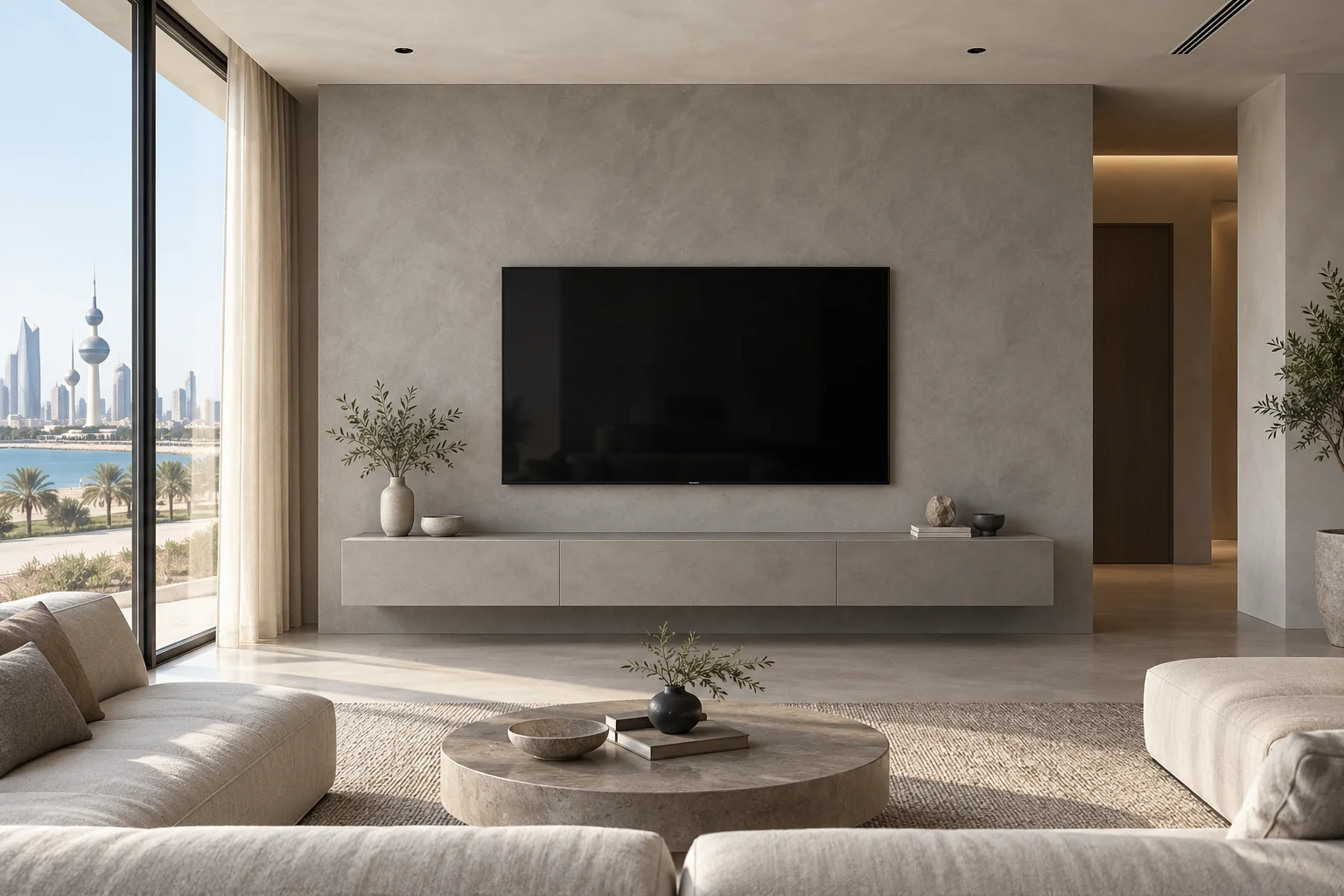
Tell Almusaileem how the living room is used: daytime viewing, gaming, sound systems and other equipment can change the arrangement even when the initial backdrop looks similar.
Check reflections from your normal seat
Review windows and lamps reflected on the screen during daytime and evening use. Try available curtain and lighting settings before fixing the TV position. A front-facing photograph may hide glare visible from the sofa.
For decorative lighting, test position and direction before final installation. Backlighting is not required for every design and more light is not automatically better. Coordinate electrical work through the relevant specialist.
List equipment before designing storage
Record the screen, bracket, receiver, console and speaker models. Define placement, normal controls and access to buttons and ports. Not every device can operate appropriately inside a closed cabinet.
If replacement is likely, discuss access and adaptability rather than making a tight opening around one product without review. Keep manuals because they define actual ventilation, connection and clearance requirements.
Use model-specific ventilation requirements
Sony’s guidance says not to cover TV vents or place a television in an inadequately ventilated confined space and directs users to the model manual. Do not apply one clearance to every screen or design a close surround solely for appearance.
Check each device inside the unit separately instead of assigning it the TV’s requirements. Show ventilation and access in the proposal, and do not cover a required opening with decorative trim.
Conceal cables while retaining service access
Agree suitable power and data routes with specialists and provide a defined route to sockets and devices. Do not seal connections behind permanent cladding or improvise cable routing just to hide it.
Ask how a cable will be replaced or a device disconnected, which component opens and who supplies electrical and preparation work. These are planning questions, not instructions for homeowner drilling or wiring.
Keep mounting responsibility separate from decoration
The specialist selects the bracket and fixing for the screen, wall and manufacturer instructions. Decorative panels alone do not establish suitable support. For a moving bracket, review movement against cladding and cable strain.
Try ordinary use at handover
- View the screen from normal seats under normal lighting.
- Try devices, remotes and required ports with the specialist.
- Confirm required ventilation remains unobstructed.
- Review service access and retain product information.
Send wall photographs, equipment models and your area when discussing the supply-and-installation scope.
Related guides and references
- Sony TV ventilation guidance
- Wood or marble alternatives for TV walls in Kuwait: which should you choose?
For painting, gypsum board and flat wall-cladding work in Kuwait, send your area, drawings and site photos to Almusaileem Paints & Decor. Enquiries: 56510526.